
Step By Step Guide To Enabling Fa On Fortnite
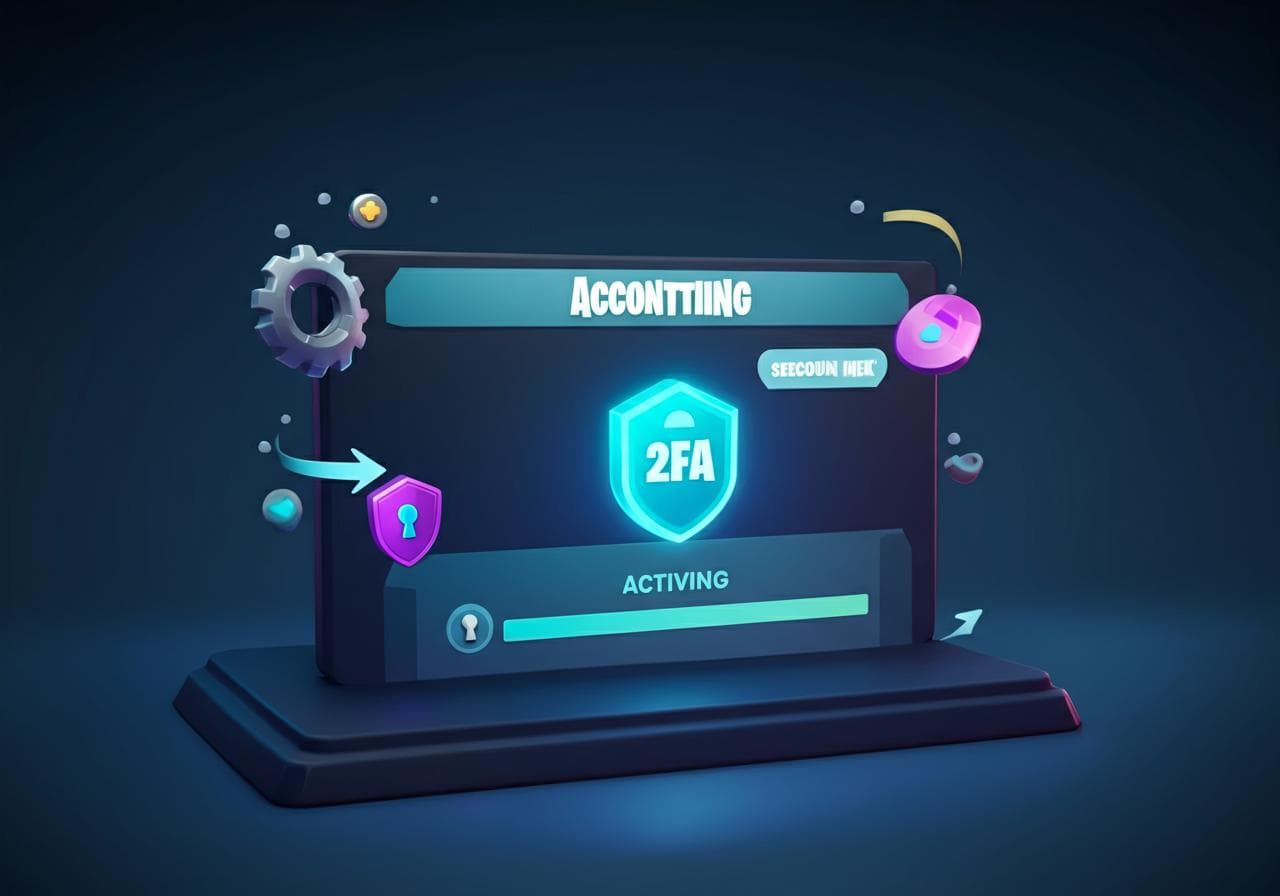
Secure your Fortnite account with Two-Factor Authentication. Protect your account, and enable 2FA now!
Research topics
Are you a Fortnite fan worried about keeping your account safe? If so, you’ve stumbled upon the right blog post! Today, we’ll walk you through the epic Games 2fa process, which is essential for bolstering your Fortnite Account Security. With cyber threats on the rise, it’s vital to secure your Fortnite account with some additional layers of protection—like Two-Factor Authentication.
What is Fortnite 2FA?
First off, let’s get clear on what we mean by Fortnite 2FA. Two-Factor Authentication (2FA) is an extra security measure that requires not only a password and username but also something that only the user has on them, like a code sent to their phone. This means that even if someone gets hold of your account details, they can’t log in without that code. So, if you’re serious about your Fortnite Account Protection, enabling 2FA is a must!
Why Enable 2FA Fortnite?
You might be wondering, “Why should I bother with this extra step?” Well, enabling 2FA Fortnite adds an additional barrier against hackers. Trust us; you don't want to be that player who loses their hard-earned skins and V-Bucks because they didn’t activate this feature. The peace of mind you’ll gain is well worth the time you’ll spend setting it up.
Step-by-Step Guide to Enable 2FA on Fortnite
Ready to get started? Follow this Fortnite 2FA Guide to make your account a fortress. We've broken it down into simple steps to keep things easy-peasy.
Your first step involves heading to the Epic Games website. Simply log in to your account. If you don’t have an account yet, go ahead and make one. No sweat! You'll need it to activate Fortnite Two-Factor Authentication.
Once you’re logged in, navigate to the Account section by clicking on your username in the corner of the page. This will lead you to the Account Management settings where the magic happens. Here, you'll find the 'Password & Security' tab.
Under the 'Password & Security' tab, you’ll see an option for Two-Factor Authentication. Hit the 'Enable' button. You may have the option between email authentication and using an authenticator app. We recommend using an app like Google Authenticator or Authy for added security. They’re free and easy to use!
Once you’ve chosen your 2FA method, you’ll receive a code via your chosen method. Enter that code when prompted to complete the Fortnite 2FA Steps. You should receive a confirmation message indicating that 2FA has been successfully activated.
Now for the real test! Log out and try logging back in. This time, once you enter your username and password, you should be asked for a verification code. If you’re prompted for the code, congratulations! You’ve successfully enabled Fortnite 2FA on your account!
Troubleshooting Common Issues
You could run into some hiccups during this process. If this happens, don’t panic! Make sure your email or phone number is verified. You can find more help on the Epic Games support page if you run into issues.
Key Takeaways for Fortnite Account Safety
In conclusion, Epic Games 2FA is one of the best tools you can use to ensure your Fortnite Account Safety. It takes just a few minutes to set up and can save you from losing everything you've worked for in the game. Remember, an ounce of prevention is worth a pound of cure!
For more detailed information about account security, check out the Epic Games account security policy. Your account's security is paramount, so why not take that extra step today?
Happy gaming, and keep your accounts safe!
Posts Relacionados

5 Best Online Degrees For High Paying Jobs
Explore these top online degrees to secure high-paying careers and boost your earning potential today.
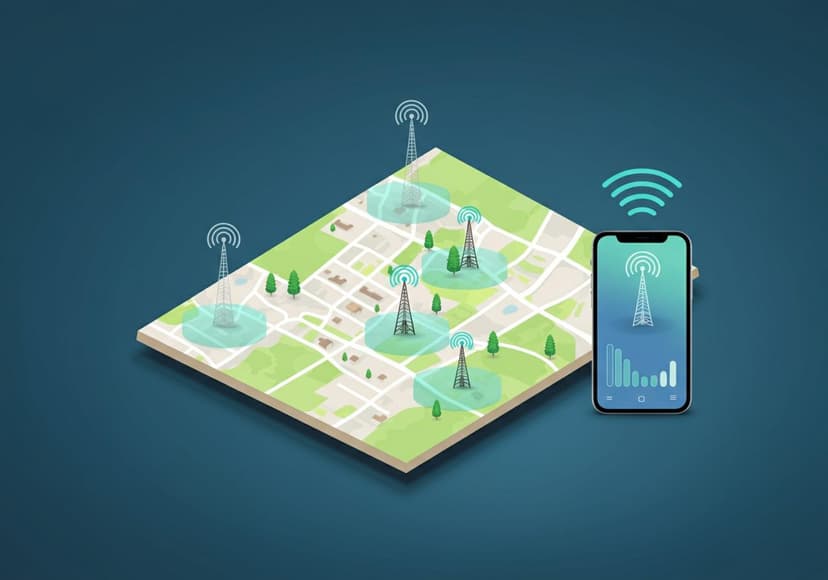
5G Network Coverage Find Nearby Towers
Locate 5G towers near you to experience the benefits of 5G network. Find coverage details and nearby towers.

5G Network Coverage Find To Consider Towers
Locating 5G towers in your area involves checking service maps and understanding signal propagation for optimal connectivity.